
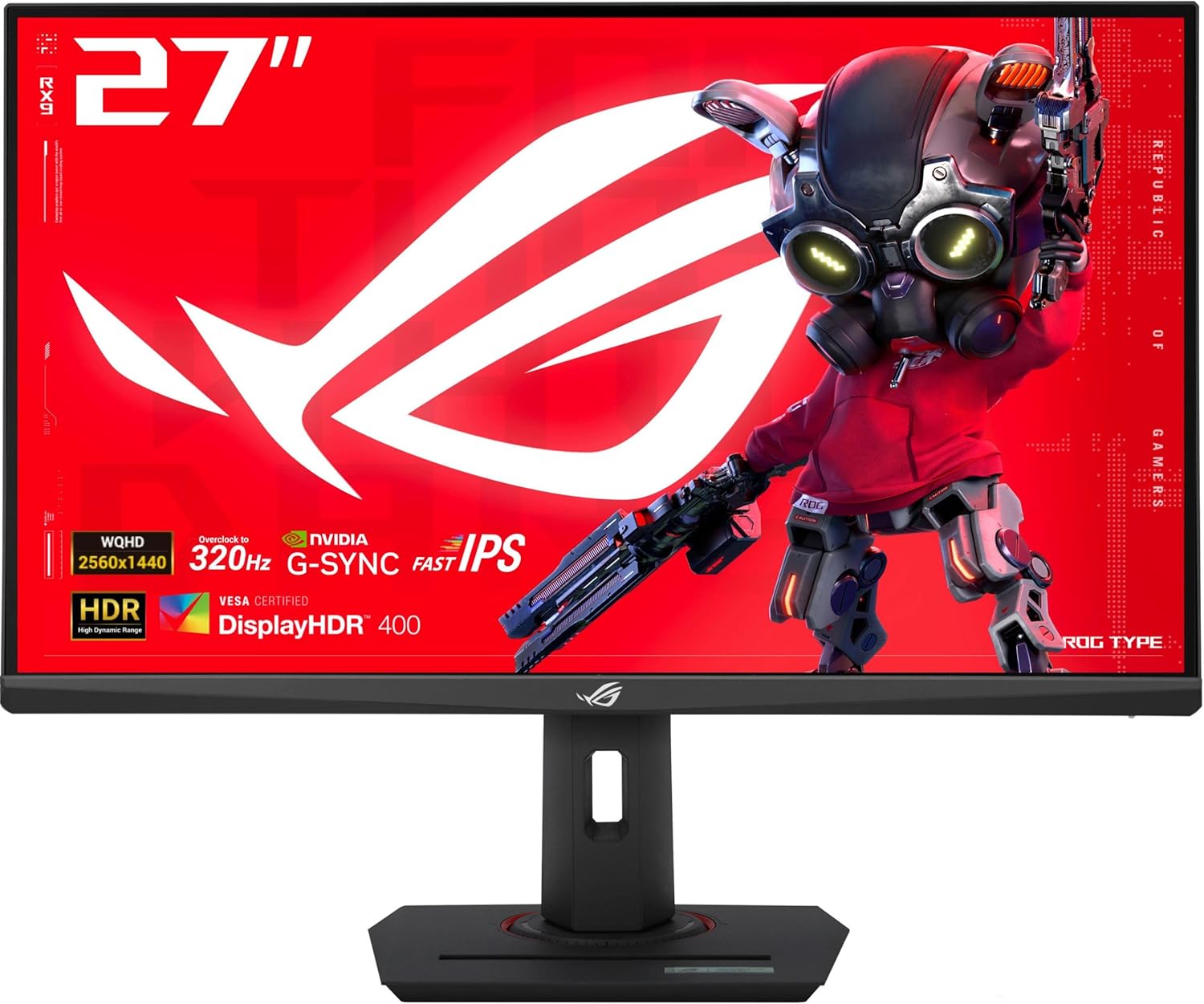
ASUS ROG XG27ACMS 27" 1440p 320Hz Gaming Monitor
- 27 inch Fast IPS, 2560 x 1440
- 320Hz (OC) refresh, 0.3ms response (min)
- USB-C with DP Alt mode, plus HDMI and DisplayPort
- 130% sRGB, 1000:1 contrast, matte
- Height, tilt, swivel and pivot adjustment
- 3 year warranty with ARR
Updated 25 days ago · Based on the Amazon listing and published specifications, not hands-on testing.
A fast QHD gaming monitor with a single cable USB-C input for laptops and a fully adjustable stand. It is heavy for its size, and the listing gives no brightness figure.
As an Amazon Associate I earn from qualifying purchases. ProductDome earns a commission when you buy through links on this page.
ASIN: B0F2349MJTModel: XG27ACMSCategory: Computer Monitors
Styles Available
Need a different one? Pick on Amazon →
Overview
A Fast IPS panel with ELMB Sync backlight strobing is the core of this ROG Strix monitor, driving QHD at an overclocked refresh rate. A USB-C port with DisplayPort Alt mode lets a laptop connect over one cable alongside HDMI and DisplayPort.
QHD at this refresh rate gives sharper detail than Full HD esports panels while still serving fast shooters. The listing omits brightness and power use, and the stand makes it a heavy unit to move.
Who it's for
PC and console players who want resolution and refresh in one panel, and laptop users who like a single cable hookup. Buyers comparing HDR performance should look elsewhere since brightness goes unstated.
Pros and cons
- QHD with very high refresh
- USB-C DP Alt mode input
- Full ergonomic stand adjustment
- ELMB Sync with variable refresh
- Brightness not listed
- Heavy for a monitor this size
- Only one HDMI port
Performance notes
Motion clarity comes from fast pixel transitions on the IPS panel plus backlight strobing that ELMB Sync runs together with variable refresh. Reaching the top refresh rate relies on overclocking the panel, so it needs a DisplayPort link and a GPU that can feed it. USB-C Alt mode carries video only as far as the laptop port supports it.
Specifications
| Brand | Asus |
|---|---|
| Model | XG27ACMS |
| Dimensions & fit | |
| Screen size | 27 inches |
| Item weight | 20 pounds |
| Item Dimensions D x W x H | 8.6 x 24.2 x 20.2 inches |
| Height positions | Height, tilt, swivel and pivot adjustment |
| Construction & materials | |
| Color Gamut | 130% sRGB |
| Screen Finish | Matte |
| Compatibility & installation | |
| Connectivity Technology | DisplayPort, HDMI, USB Type-C (DP Alt mode) |
| Included components | |
| Included Components | DisplayPort cable, power cord, ROG pouch, ROG sticker, quick start guide, warranty card |
| Warranty & support | |
| Warranty Description | 3 years warranty with ARR |
| Other details | |
| Native Resolution | 2560x1440 |
| Refresh Rate | 320 Hz (OC) |
| Response Time | 0.3 ms (min) |
| Display Type | Fast IPS |
| Aspect Ratio | 16:9 |
| Adaptive Sync | G-Sync Compatible |
| Contrast Ratio | 1000:1 |
| Total Number of HDMI Ports | 1 |
| Viewing Angle | 178 degrees |
| Total USB 30 ports | 1 |
Frequently asked questions
How much desk space does the ASUS XG27ACMS take?
The listed dimensions are 8.6 inches deep, 24.2 inches wide and 20.2 inches tall, at 20 pounds.
Is 320Hz the native refresh rate?
It is listed as 320Hz (OC), meaning the panel is overclocked to reach it.
Does the XG27ACMS come with an HDMI cable?
No. The box lists a DisplayPort cable, power cord, ROG pouch, ROG sticker, quick start guide and warranty card.