


MELOGAGA M348 Wireless Gaming Mouse
- Mouse Maximum Sensitivity: 6400 dpi
- Hand Orientation: Right
- Button Quantity: 6
- Item Weight: 0.26 pounds
Last refreshed Sep 7, 2026 · Based on the Amazon listing and published specifications, not hands-on testing.
A workable multi-device mouse for switching between PC, tablet and phone, with a wired fallback for when the battery runs low.
As an Amazon Associate I earn from qualifying purchases. ProductDome earns a commission when you buy through links on this page.
ASIN: B0FSJHP6Z8Model: M348Category: Gaming Mice
Colors Available
Need a different one? Pick on Amazon →
Overview
The Melogaga M348 is a wireless gaming mouse switching between Bluetooth 5.4, 2.4GHz and wired USB-C, with 8 DPI steps from 800 to 6400 and a 1000Hz polling rate. It weighs about 71g and Melogaga rates the battery for up to 120 hours per charge.
The USB-C mode is both a wired fallback and a charging cable at once, so the mouse can keep working through a low battery instead of forcing a pause. Melogaga's own note that the cursor may slow near empty battery is worth planning around on long sessions rather than treating the 120 hour figure as a hard guarantee of steady performance the whole time.
- 8 dpi levels from 800 to 6400
- 1000hz polling rate
- Bluetooth 5.4, 2.4ghz and wired usb-c modes
- Rated for 5 million clicks
Who it's for
Suits people who move between PC, Mac, tablet and phone and want one mouse that follows them, with a wired option when the battery runs low. Less suited to competitive players who want a mouse that never varies in responsiveness.
Pros and cons
- Three connection modes: bluetooth, 2.4ghz, usb-c
- Play while charging over usb-c
- Under 71 grams for long sessions
- Up to 120 hours of battery life
- Cursor can slow when the battery runs low
- 6400 dpi trails higher-end gaming mice
Performance notes
Switching among the 8 DPI steps, 800 to 6400, is handled by a dedicated button rather than software, and the 1000Hz polling rate keeps tracking updates frequent during fast movement. The mouse runs on whichever of its three modes you pick, Bluetooth, 2.4GHz or wired USB-C, and Melogaga's own note that the cursor can slow near empty battery is a real signal to keep an eye on charge level during long sessions.
Specifications
| Brand | Melogaga |
|---|---|
| Model | M348 |
| Dimensions & fit | |
| Hand Orientation | Right |
| Item Weight | 0.26 pounds |
| Construction & materials | |
| Color | Black |
| Compatibility & installation | |
| Connectivity Technology | Bluetooth |
| Compatible Devices | Personal Computer |
| Included components | |
| Unit Count | 1 |
| Warranty & support | |
| Warranty Description | 1 year |
| Other details | |
| Mouse Maximum Sensitivity | 6400 dpilower than 100% of 21 gaming mice |
| Button Quantity | 6 |
| Movement Detection | Optical |
| Operating System | Android, Windows, MacOS |
| Hardware Platform | PC |
| Number of Batteries | 1 |
| Antenna Location | Gaming |
| Style Name | Modern |
| Additional Features | Lightweight |
Closest rivals on specs
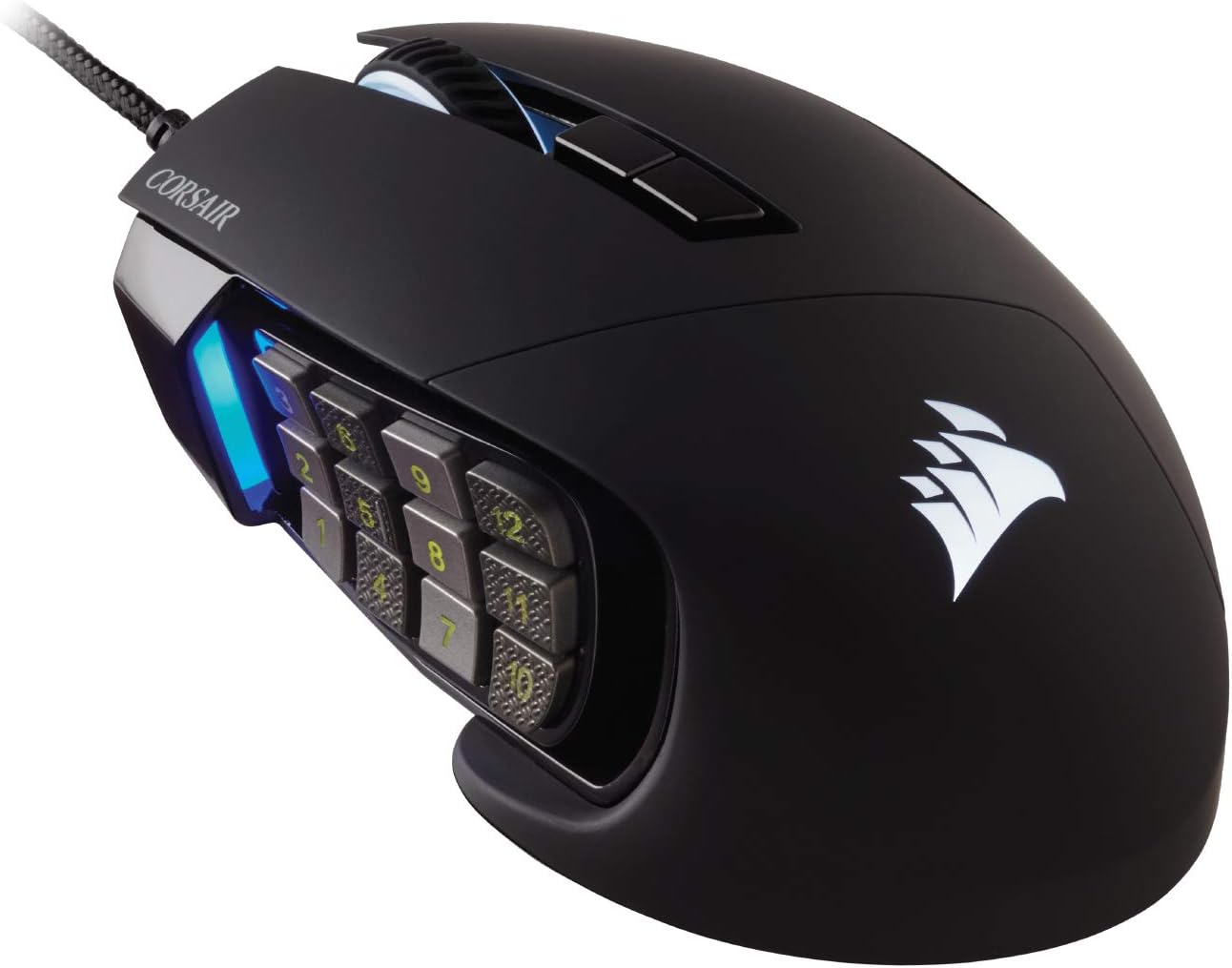 Corsair Scimitar RGB Elite Wired MMO Gaming Mouse
- Mouse Maximum Sensitivity 6400 vs 18000 dpi (-64%)
 AULA SC620 Wireless Gaming Mouse 12000 DPI
- Item Weight 0.26 vs 0.39 pounds (-33%)
- Mouse Maximum Sensitivity 6400 vs 12000 dpi (-47%)
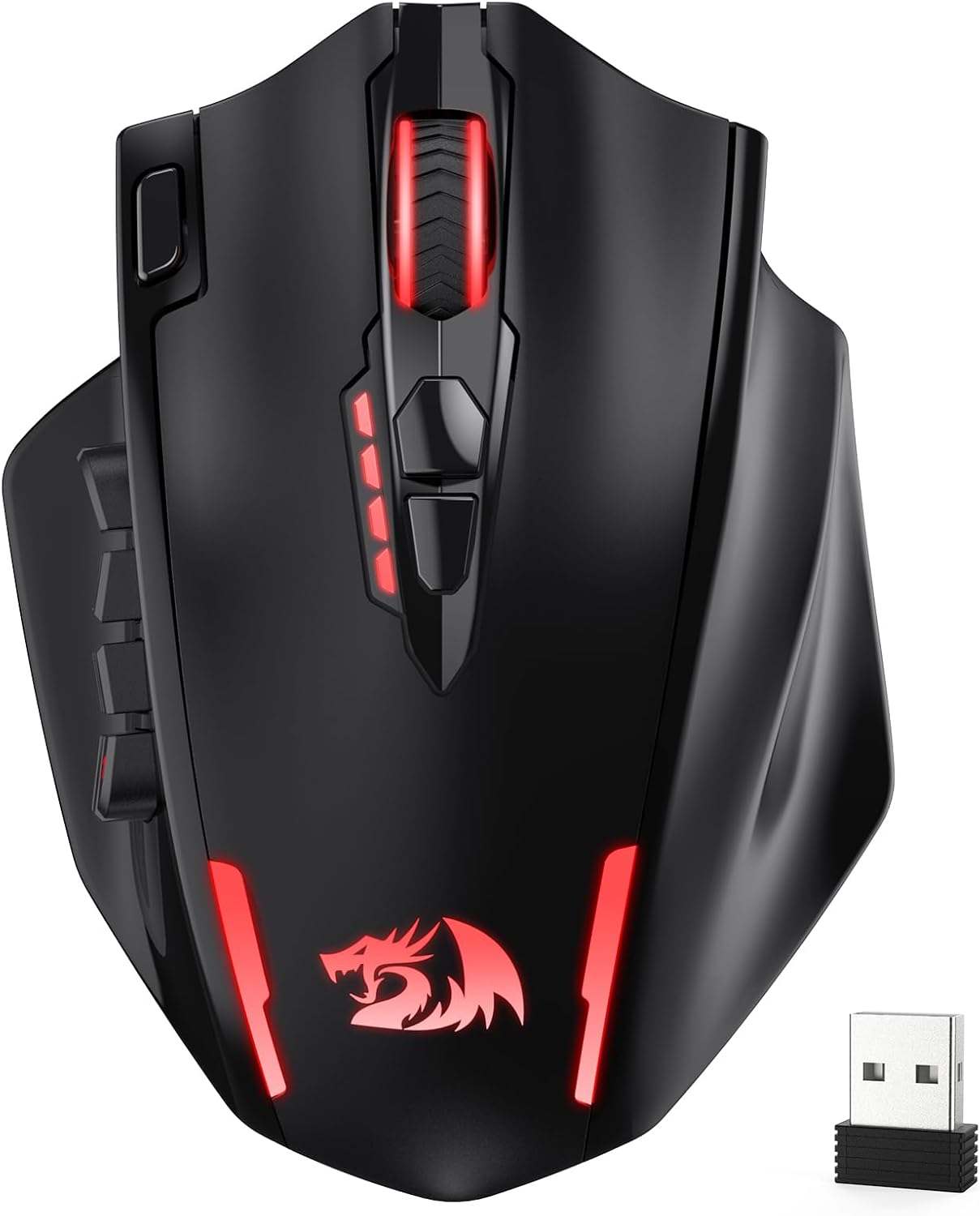 Redragon M913 MAX Wireless MMO Gaming Mouse
- Item Weight 0.26 vs 0.29 pounds (-10%)
- Mouse Maximum Sensitivity 6400 vs 26000 dpi (-75%)
Frequently asked questions
What connection modes does the Melogaga M348 support?
Bluetooth 5.4, 2.4GHz wireless, and wired USB-C.
Can I use the M348 mouse while it charges?
Yes, plugging in the USB-C cable switches it to wired mode so you can keep playing while it charges.
What happens if the M348's battery runs low?
The manufacturer notes the cursor may slow or become unresponsive, and recharging restores normal operation.