
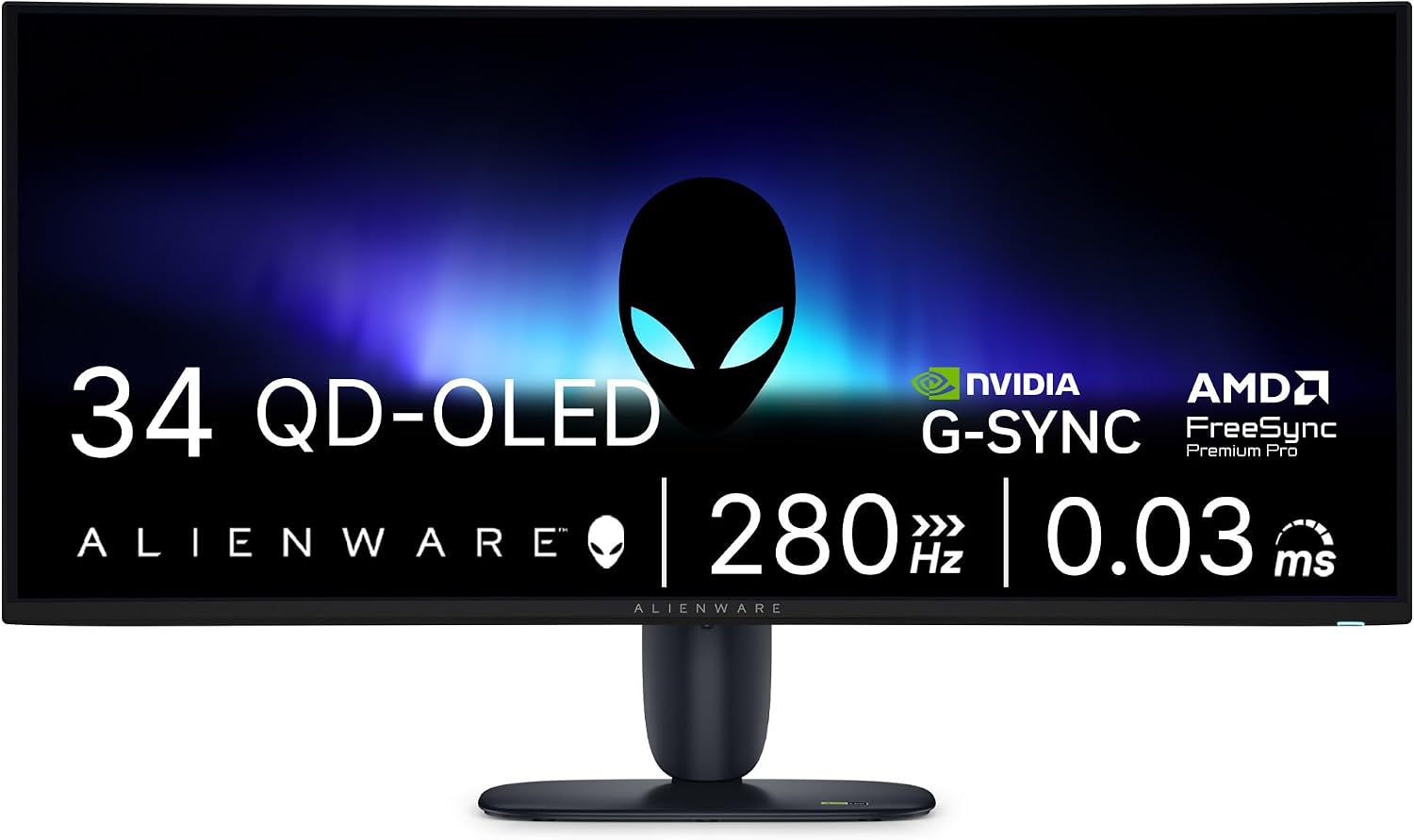
Alienware AW3426DW 34" QD-OLED Gaming Monitor
- 34 inch curved QD-OLED, 3440 x 1440, 21:9
- 280 Hz refresh, 0.03 ms response
- G-SYNC Compatible adaptive sync
- 2 HDMI, DisplayPort, 3 USB ports
- Height, tilt and swivel adjustable stand
- 3-year Advanced Exchange with OLED burn-in coverage
- DisplayPort, HDMI 2.1 and USB cables included
- 16.6 lb, matte screen finish
Updated 25 days ago · Based on the Amazon listing and published specifications, not hands-on testing.
A fast ultrawide QD-OLED gaming monitor with extremely fast response and burn-in coverage in the warranty. Port versions and HDR certification are missing from the spec table, so confirm them for your setup.
As an Amazon Associate I earn from qualifying purchases. ProductDome earns a commission when you buy through links on this page.
ASIN: B0HFHZJ6C2Model: AW3426DWCategory: Computer Monitors
Styles Available
Need a different one? Pick on Amazon →
Overview
Wrapping a wide curved QD-OLED panel around your view, the Alienware ultrawide pairs a very high refresh rate with extremely fast pixel response for fast games. It ships on a height, tilt and swivel stand with DisplayPort, HDMI and USB upstream cables.
Buy it for OLED contrast and motion clarity in fast shooters and racing games, with a warranty that covers burn-in. The spec table leaves out HDR certification, mount pattern and port versions, so those claims rest on the product title.
Who it's for
Made for desk gamers with a graphics card strong enough to push high frame rates at ultrawide resolution. People who run spreadsheets with fixed taskbars for hours may prefer an LCD that does not risk burn-in.
Pros and cons
- Very fast refresh and response
- Curved ultrawide QD-OLED panel
- Burn-in covered by warranty
- Fully adjustable stand
- Needs a strong GPU for full refresh
- Static images carry OLED burn-in risk
- Mount pattern not listed in specs
- Wide footprint on a desk
Performance notes
Each QD-OLED pixel makes its own light, so blacks are true and response is extremely fast, which removes blur from slow pixel transitions. Reaching the full refresh rate depends on the graphics card delivering matching frame rates at ultrawide resolution. Full-screen brightness is moderate, so bright rooms lean on the matte finish.
Specifications
| Brand | Alienware |
|---|---|
| Model | AW3426DW |
| Dimensions & fit | |
| Screen size | 34 inches |
| Item weight | 16.6 pounds |
| Item Dimensions D x W x H | 9.13 x 32.06 x 21.85 inches |
| Height positions | Height, tilt, swivel |
| Power & efficiency | |
| Power Consumption | 31 watts |
| Construction & materials | |
| Color Gamut | 99% |
| Screen Finish | Matte |
| Color | Interstellar Indigo |
| Compatibility & installation | |
| Hardware Connectivity | DisplayPort, HDMI, USB |
| Included components | |
| Included Components | Monitor with stand, DisplayPort 1.4 cable 1.80 m, HDMI 2.1 FRL cable 1.80 m, USB Type-A to Type-B upstream cable 1.80 m, power cable, microfiber cloth |
| Warranty & support | |
| Warranty Description | 3-year Advanced Exchange Service and panel exchange, OLED burn-in covered |
| Other details | |
| Native Resolution | 3440 x 1440 |
| Refresh Rate | 280 Hz |
| Response Time | 0.03 ms |
| Brightness | 300 nits |
| Display Technology | QD-OLED |
| Aspect Ratio | 21:9 |
| Adaptive Sync | G-SYNC Compatible |
| Shape | Curved |
| Total Number of HDMI Ports | 2 |
| Viewing Angle | 178 degrees |
| Total USB ports | 3 |
Frequently asked questions
Does the Alienware AW3426DW work with AMD graphics cards?
The spec table lists G-SYNC Compatible adaptive sync. AMD FreeSync is not named, so check compatibility with your card.
Can the Alienware AW3426DW be mounted on an arm?
The spec table does not give a VESA pattern, so confirm it with Dell before buying an arm.
Can a game console use the Alienware AW3426DW?
It has two HDMI ports and ships with an HDMI 2.1 FRL cable. The listing does not describe console modes or how consoles handle its ultrawide resolution.
Is the Alienware AW3426DW a flat monitor?
No. The features list it as curved.