Texas Instruments TI-Nspire CX II CAS Graphing Calculator
Model: NSCXCAS2/FC
A capable, color CAS calculator for higher level math and science coursework, worth the step up from the TI-84 line only if the course or exam actually uses CAS features.
Texas Instruments TI-84 Plus CE Graphing Calculator
Model: 84PLCE/TBL/1L1/AL
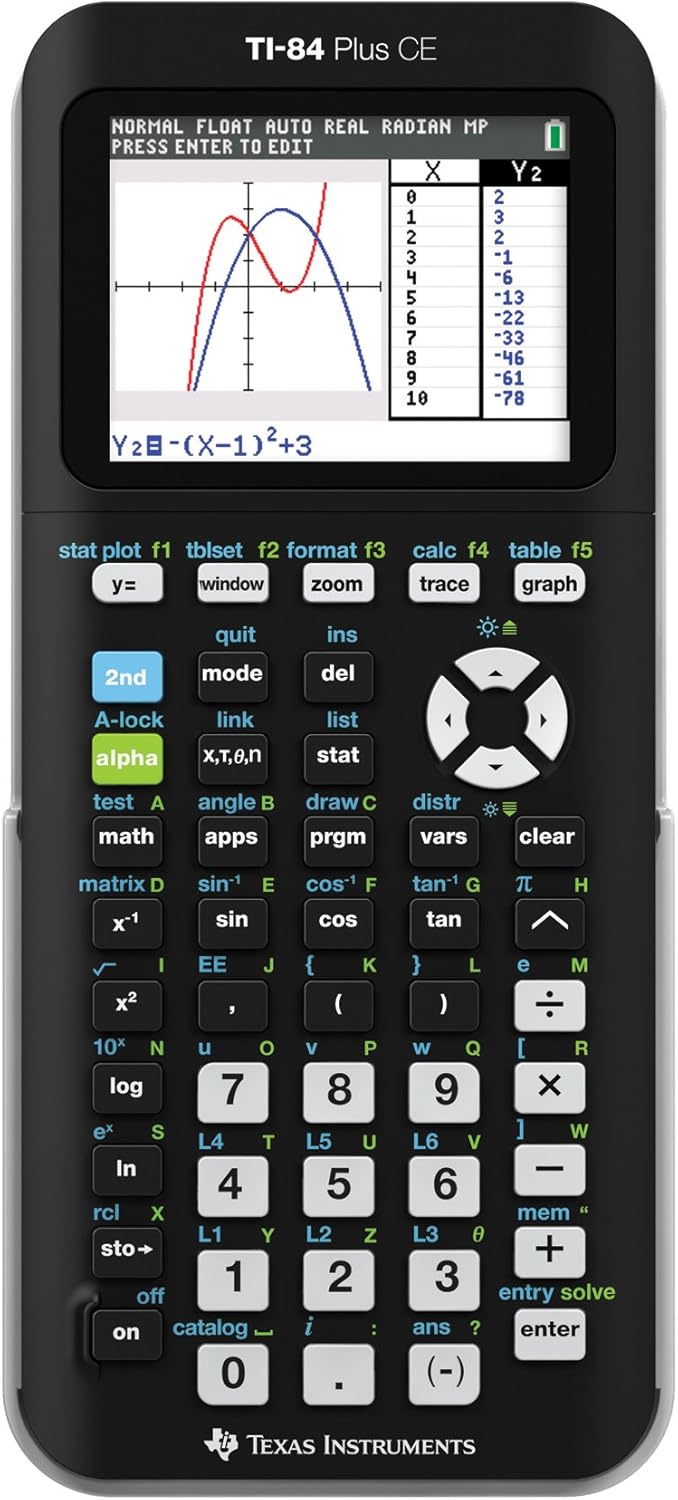
A solid, distraction-free graphing calculator in a distinct color, with nothing here to suggest it performs differently from TI's other TI-84 Plus CE units.
Texas Instruments TI-84 Plus CE Graphing Calculator
The color-screen, rechargeable step up from the standard TI-84 Plus, worth the difference if image import and a sharper display matter for the coursework.
Texas Instruments TI-83 Premium CE Python Calculator
A thin color graphing calculator with Python programming for school math and statistics. It is the Python edition, so check whether your exam rules and class materials match it.
A dependable, exam-approved graphing calculator for students who want one device that clears every major standardized test without a compatibility check.
A capable graphing calculator for algebra, statistics and data work, with a backlit screen and a built-in spreadsheet. The listing does not say which exams allow it, so check your test rules first.
A strong color graphing calculator for high school students moving from algebra to AP Calculus and sciences. It runs on disposable batteries, so carry spares on exam days.
A full-featured graphing calculator for algebra, calculus and statistics coursework, with batteries in the box. The listing gives no weight or dimensions and says nothing about a computer cable.
A classic graphing calculator for high school math, statistics and basic finance, with linking to other units. Its listing mixes the original and Plus model names, so confirm the exact model.
Texas Instruments TI-84 Plus C Silver Edition Graphing Calculator
A color screen version of the familiar Texas Instruments graphing calculator, easy to learn for students who already know the key layout. Exam approval and the charging method are not stated, so check both before buying for a course.
A large touchscreen CAS graphing calculator that solves algebra symbolically and links graphs, tables and equations. Exam rules on CAS models vary, so check before relying on it for tests.
A Texas Instruments graphing calculator for students who need on-screen plots and a roomy memory. The listing says little about functions or exam rules, so confirm course requirements before buying.
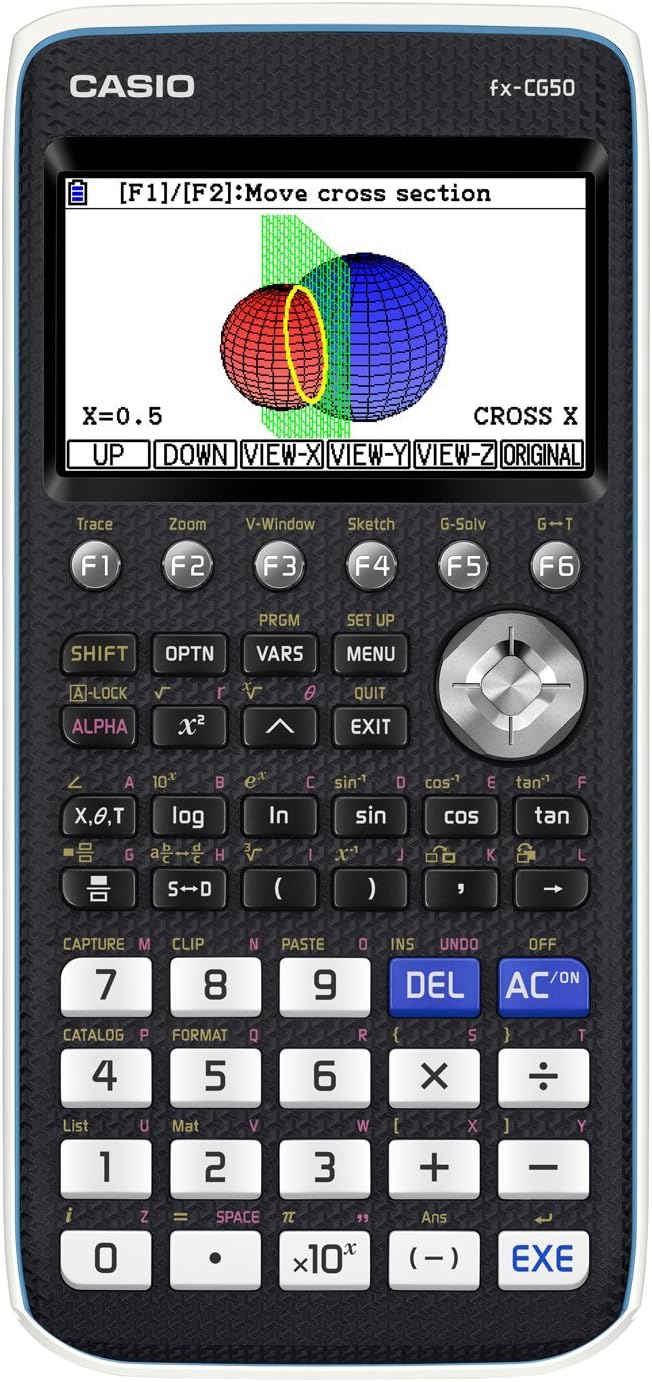
A capable graphing calculator that adds Python and USB transfer to Casio's established icon menu. The monochrome screen is low resolution, so detailed graphs look coarse.
A plain exam-approved graphing calculator for students preparing for college entrance and placement tests. Batteries are required, and the listing does not say they come in the box.
Texas Instruments TI-Nspire CX II Graphing Calculator
A color graphing calculator with apps and Python for math and science from middle school through college. The listing leaves out battery details and full dimensions.
A capable graphing calculator for engineering and calculus students with strong regression and differential equation tools. AAA batteries are not included.
These 10 graphing calculators have the highest ProductDome scores among the established products in this category, meaning ones with a large volume of owner ratings and strong evidence; on a tie, the product with more rating evidence ranks first. The score combines owner satisfaction, rating volume, demand and data quality from public Amazon listings (updated 3 days ago). We do not test products ourselves.
What are the most popular graphing calculators brands?
Texas Instruments, Casio, HP, NumWorks, TI-83 lead this category among the 7 brands that passed our curation checks.
How does ProductDome pick these graphing calculators?
A listing appears only when it has a recorded price, a minimum customer rating, and enough ratings or monthly sales. Generic and unbranded listings are left out, while every real brand stays, including brands sold only on Amazon. The ones that pass are ordered by the ProductDome score, which weighs owner satisfaction, rating volume, demand and data quality.
About graphing calculators
Graphing calculators come with or without a computer algebra system (CAS), which adds symbolic operations such as rearranging equations; some non-CAS calculators can still give exact answers involving fractions or radicals. If your course requires plotting functions, a scientific calculator alone may not meet its requirements. Establish which functions your course or exam permits before comparing hardware, including whether a required exam mode is available on the exact model. Within those limits, start with how much mathematical work you need to see on screen together.
Screen space matters when you need to follow a long expression, compare curves or move between a graph and its table of values. Among the 7 products that list screen size, most fall between 2.7 and 4.1 inches, and 3 inches is typical. Physical screen size cannot tell you how much information fits legibly: compare resolution and listing images showing the same kind of work you expect to do. For graph comparisons, look for clearly distinguishable lines and labels; for checking calculations, look for readable fractions, exponents and accessible calculation history. If you need a graph and table visible together, confirm that the calculator supports that layout.
Next, match the available graphing modes to your coursework: ordinary function plotting does not imply support for inequalities, parametric equations or three-dimensional graphs. For statistics, confirm that the required regression methods and probability distributions are available. The entry system also affects repeated homework tasks: inspect how you enter fractions, edit an earlier expression and recall stored variables, since frequently needed operations buried in menus add extra steps. If you expect to save programs or datasets, establish the available user storage and whether those files survive an exam-mode reset.
Before buying, confirm whether the calculator uses replaceable batteries or a rechargeable battery, and whether the batteries or charging accessories are supplied. For transferring files or updating software, verify compatibility with your computer's operating system and check whether any required cable is included or sold separately. A protective cover may also be a separate purchase, so inspect the package contents if the calculator will travel in a school bag. For a rechargeable model, check the manufacturer's battery replacement instructions and the availability of a compatible replacement battery.
How we list products: every listing here has a recorded price, a minimum customer rating and enough ratings or monthly sales. Generic and unbranded listings are left out; every real brand stays, including brands sold only on Amazon. Products are ordered by the same ProductDome score on every page.Editorial policy
Cookie settings
We use necessary cookies to keep the site working. Page views are counted without cookies. With your permission, we also use functional and marketing cookies. Cookie Policy.

 Best Overall