
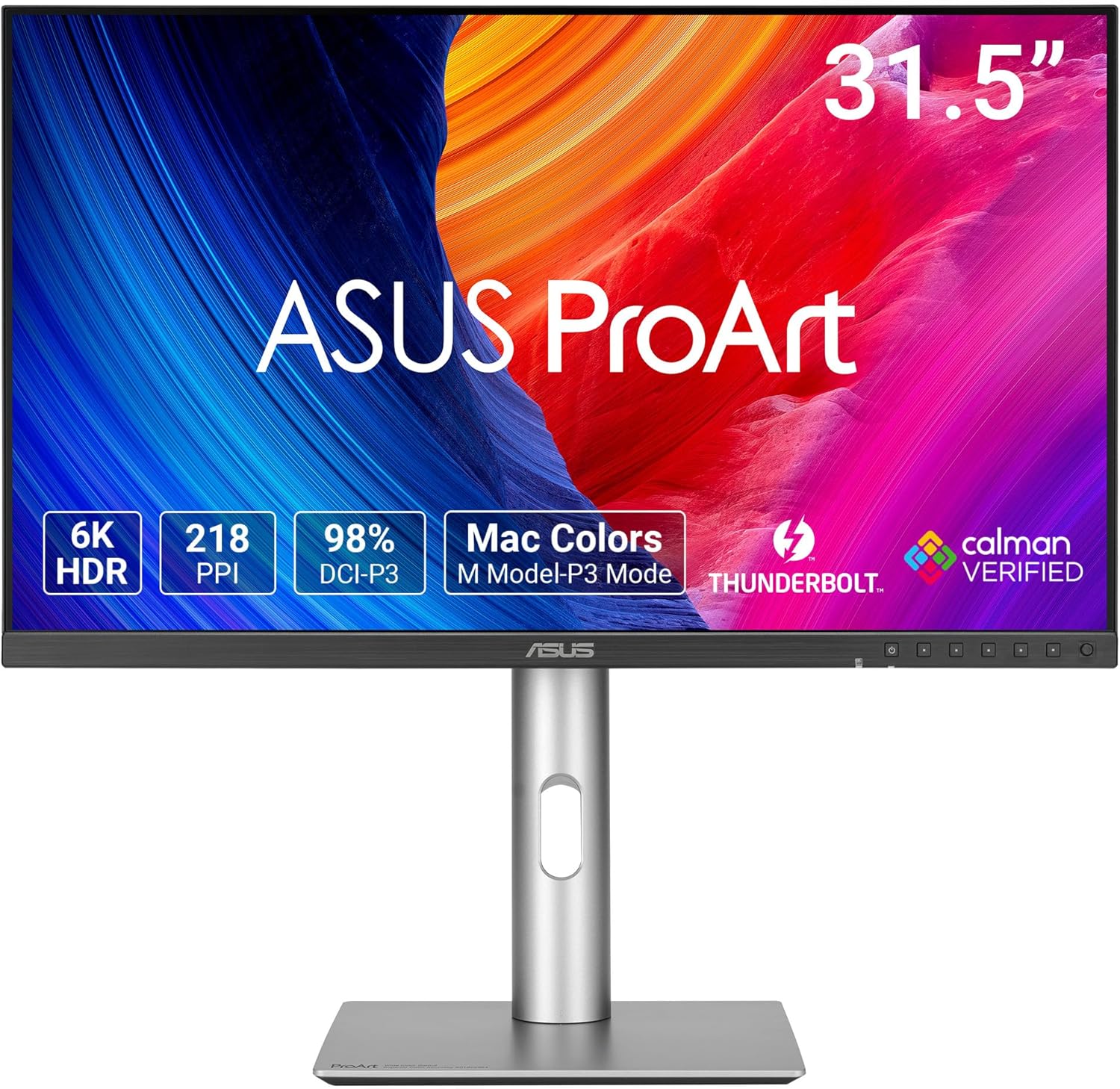
ASUS ProArt PA32QCV 32" 6K Monitor
- 31.5 inch 6K IPS, 6016 x 3384, 60Hz
- 98% DCI-P3, 100% sRGB, Delta E < 2
- Dual Thunderbolt 4, 96W power delivery, daisy chain
- HDMI 2.1, DisplayPort 1.4, USB hub, auto KVM
- 600 nits, DisplayHDR 600, 3000:1 contrast
- Tilt, swivel, pivot, height 0~130mm
- 5 year warranty with online registration
Updated 25 days ago · Based on the Amazon listing and published specifications, not hands-on testing.
A factory calibrated, very high resolution monitor for Mac and PC creators, with Thunderbolt charging, daisy chaining and a KVM. The low refresh rate makes it a poor match for fast gaming, despite the gaming use listed.
As an Amazon Associate I earn from qualifying purchases. ProductDome earns a commission when you buy through links on this page.
ASIN: B0F23LR6JQModel: PA32QCVCategory: Computer Monitors
Styles Available
Need a different one? Pick on Amazon →
Overview
Editing photos and video on a MacBook over one Thunderbolt cable is what this ProArt monitor handles, charging the laptop while it shows very fine detail. A MacBook matched color preset and a built in KVM let two computers share the screen, keyboard and mouse.
Factory calibration with a Mac matched preset means colors line up between laptop and desk screen with little setup. The panel runs at a standard refresh rate, so it is a creative and office tool, not a gaming display.
Who it's for
Creators who grade color, retouch photos or edit timelines on a MacBook or PC, and people switching between two computers at one desk. Gamers chasing smooth motion should pass.
Pros and cons
- Very high 6K pixel density
- Factory calibrated with report included
- Thunderbolt charging for a laptop
- Daisy chain over Thunderbolt
- Standard refresh, slow for gaming
- Title claims QD OLED, bullets say IPS
- Response time slow for fast motion
Performance notes
Pixel density decides how fine text and image detail look, and this resolution across the panel renders close to print sharpness at desk distance. Color accuracy depends on the factory calibration and on sensors that track ambient light and backlight drift. Thunderbolt power delivery charges most laptops through the same cable that carries video and data.
Specifications
| Brand | Asus |
|---|---|
| Model | PA32QCV |
| Dimensions & fit | |
| Screen size | 31.5 inches |
| Item weight | 20.5 pounds |
| Item Dimensions D x W x H | 9.5 x 28.1 x 24.3 inches |
| Height positions | Height 0~130mm, tilt +23 to -5, swivel +30 to -30, pivot +90 to -90 degrees |
| Power & efficiency | |
| Power Consumption | 49.49 watts |
| Construction & materials | |
| Color Gamut | 98% DCI-P3, 100% sRGB |
| Screen Finish | Matte |
| Color accuracy | Delta E < 2 |
| Compatibility & installation | |
| Connectivity Technology | Thunderbolt 4 x 2, HDMI (v2.1), DisplayPort 1.4 DSC, USB hub |
| Mounting Type | 100 x 100 VESA |
| Included components | |
| Included Components | Color pre-calibration report, DisplayPort cable, HDMI cable, USB-C cable, microfiber cloth, power cord, quick start guide, warranty card, welcome card |
| Warranty & support | |
| Warranty Description | 5-year warranty (3 years + 2 years extension with online registration) |
| Other details | |
| Native Resolution | 6016x3384 |
| Refresh Rate | 60 Hz |
| Response Time | 4.99 ms |
| Brightness | 600 nits |
| Display Type | IPS |
| Contrast Ratio | 3000:1 |
| Total Number of HDMI Ports | 1 |
| Viewing Angle | 178 degrees |
| Pixel Pitch | 0.12 |
| Total USB ports | 3 |
| Total thunderbolt ports | 2 |
| HDR certification | VESA DisplayHDR 600 |
| Laptop charging | 96W power delivery over Thunderbolt 4 |
Frequently asked questions
Does the ASUS PA32QCV match MacBook colors?
Yes. It has an M Model-P3 color preset made to match MacBook display color, and DisplayWidget Center runs on macOS.
Can the PA32QCV charge my laptop?
Yes. Thunderbolt 4 supplies up to 96W of power delivery.
Can two computers share the PA32QCV?
Yes. The built in auto KVM switches between two connected laptops or PCs with one keyboard and mouse.
Is the PA32QCV an OLED monitor?
The title says QD OLED, but the bullets and specs describe an IPS panel. Treat it as IPS.
Is the PA32QCV good for fast gaming?
Not really. It runs at 60Hz with a 4.99 ms response time, which suits creative work more than fast games.