
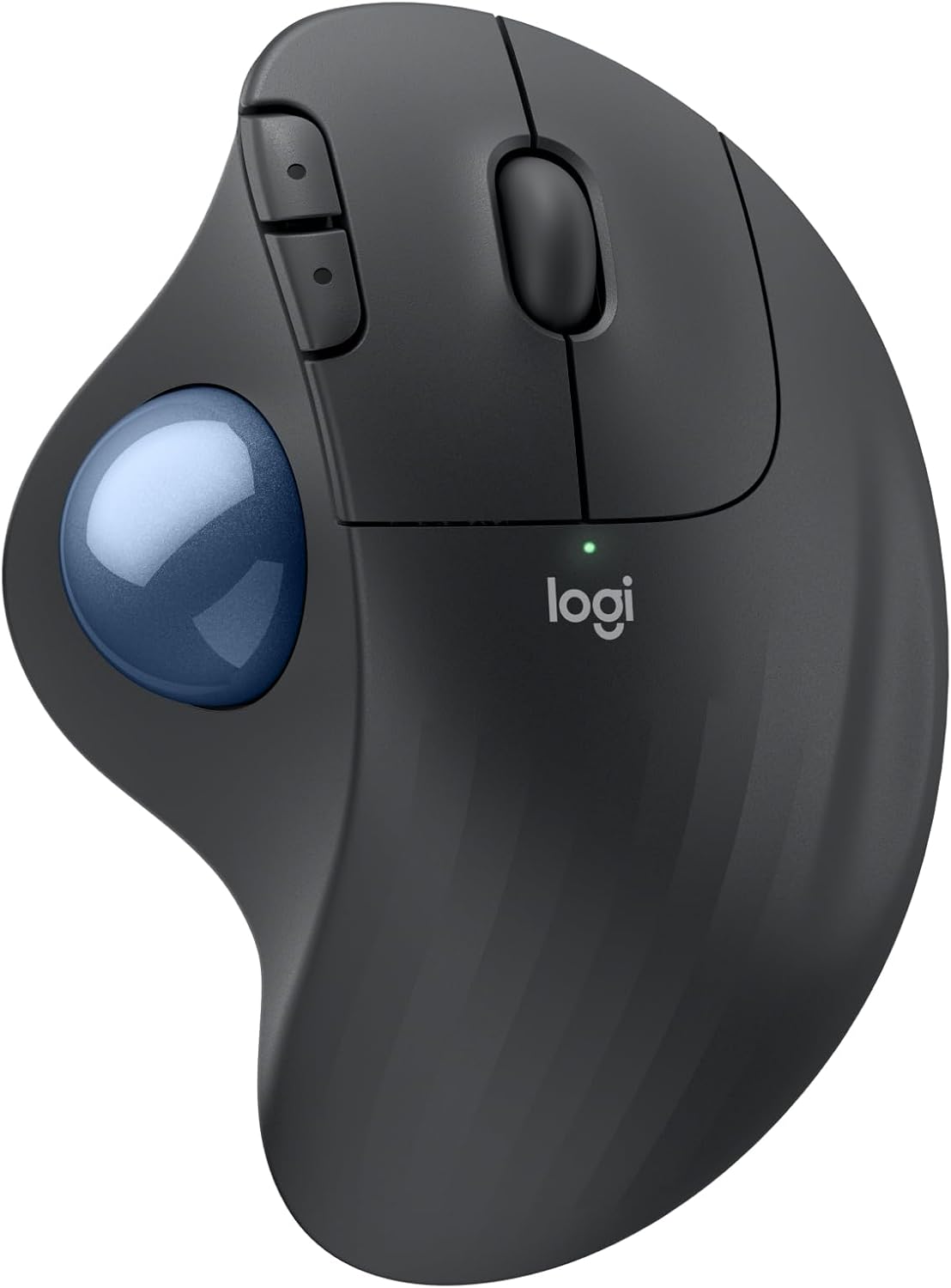
Logitech Ergo M575S Wireless Trackball Mouse
- Thumb-operated trackball, right hand
- Bluetooth or Logi Bolt USB receiver
- Up to 18 months battery, 1 AA included
- 3 customizable buttons via Logi Options+
- 2000 dpi maximum sensitivity
- Quiet clicks
- 1 year limited hardware warranty
Updated 25 days ago · Based on the Amazon listing and published specifications, not hands-on testing.
A comfortable thumb trackball for long desk days and cramped spaces, but it suits right handers only and takes time to learn.
As an Amazon Associate I earn from qualifying purchases. ProductDome earns a commission when you buy through links on this page.
ASIN: B0BBQ3ZYNYModel: ERGO M575SCategory: Computer Mice
Colors Available
Need a different one? Pick on Amazon →
Overview
A thumb-driven trackball moves the cursor on the Logitech ERGO trackball, so the hand and arm stay still while the ball does the work. The sculpted shell supports a right hand, and it connects through Bluetooth or a Logi Bolt receiver.
Moving only the thumb reduces forearm strain and lets it work on a crowded desk, a couch arm or any surface. Left handed users are left out, and fine thumb control takes a few days to get used to.
Who it's for
People who spend all day at a computer and want less arm movement will feel the change, as will anyone with little desk space. Lefties and competitive gamers need a different input device.
Pros and cons
- No arm movement to steer the cursor
- Works on any surface
- Very long battery life
- Programmable buttons and shortcuts
- Right hand only
- Learning curve for thumb control
- Customization needs the Logi app
Performance notes
Cursor precision depends on thumb control of the ball and the speed set in Logi Options+, not on desk surface. Dust on the ball supports causes skipping over time, which is cured by popping the ball out of its cage and wiping it.
Specifications
| Brand | Logitech |
|---|---|
| Model | ERGO M575S |
| Dimensions & fit | |
| Hand orientation | Right |
| Power & efficiency | |
| Battery average life | Up to 18 months |
| Construction & materials | |
| Enclosure material | Recycled plastic (Graphite: 52%) |
| Color | Graphite + Blue Ball |
| Compatibility & installation | |
| Connectivity technology | Bluetooth, Logi Bolt USB receiver |
| Warranty & support | |
| Warranty description | 1 Year limited Hardware Warranty |
| Other details | |
| Mouse maximum sensitivity | 2000 dpi |
| Button quantity | 3 customizable |
| Movement detection | Trackball, thumb control |
| Operating system | Windows, macOS |
| Batteries | 1 AA (included) |
Frequently asked questions
How do I clean the M575S trackball?
Eject the ball from the ball cage and wipe it and the supports.
Does the Logitech ERGO M575S need a USB receiver?
No. It connects by Bluetooth or the included Logi Bolt USB receiver.
How is the M575S different from a regular mouse?
You move the cursor with your thumb on the ball instead of moving the device, which Logitech says gives 25% less muscle strain in your forearm compared to its M650 mouse.