As an Amazon Associate I earn from qualifying purchases. ProductDome earns a commission when you buy through links on this page.
Best Overall
Computer Mice
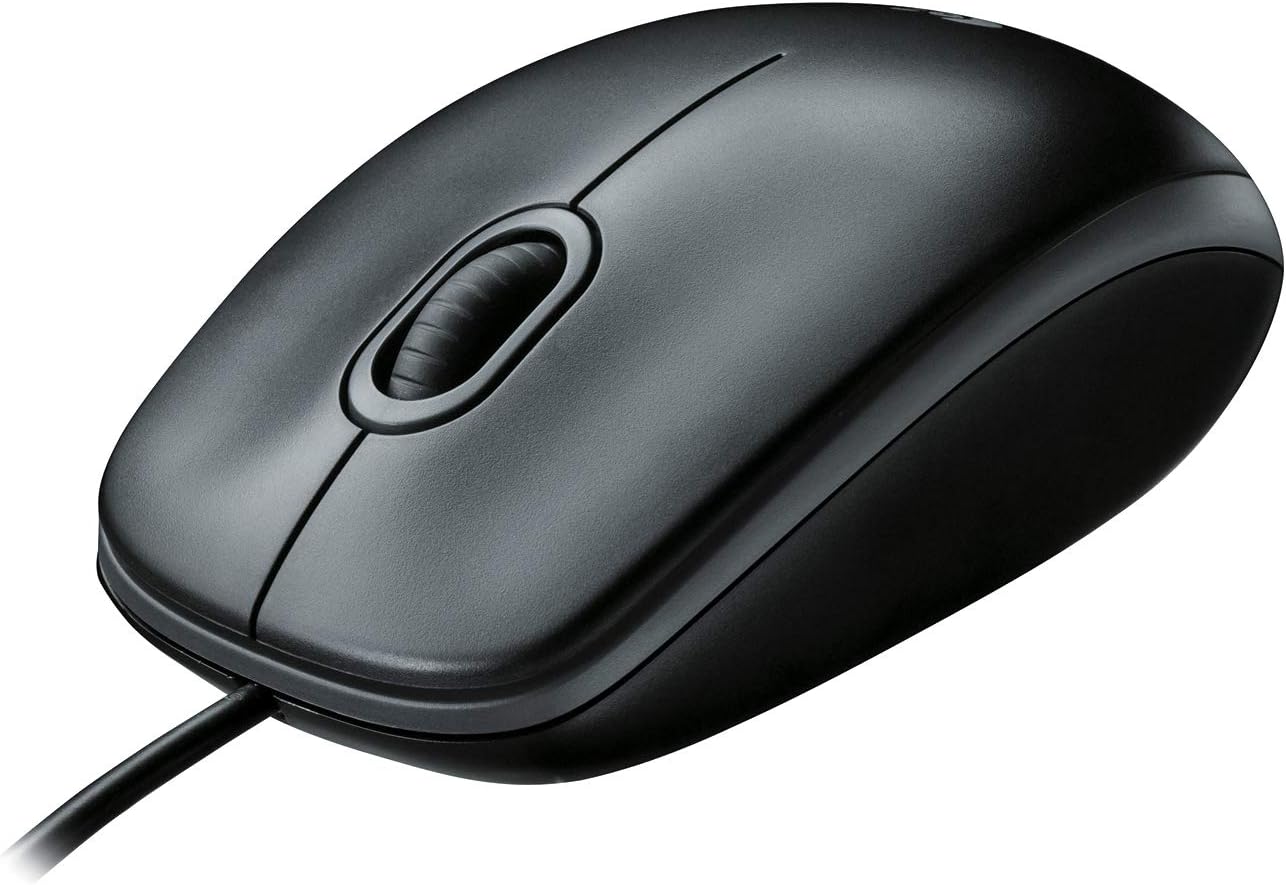
Logitech B100 Wired Mouse
A plain corded office mouse that works in either hand and needs no setup or batteries. Its basic sensor and three buttons suit documents and browsing, not gaming or detailed design work.
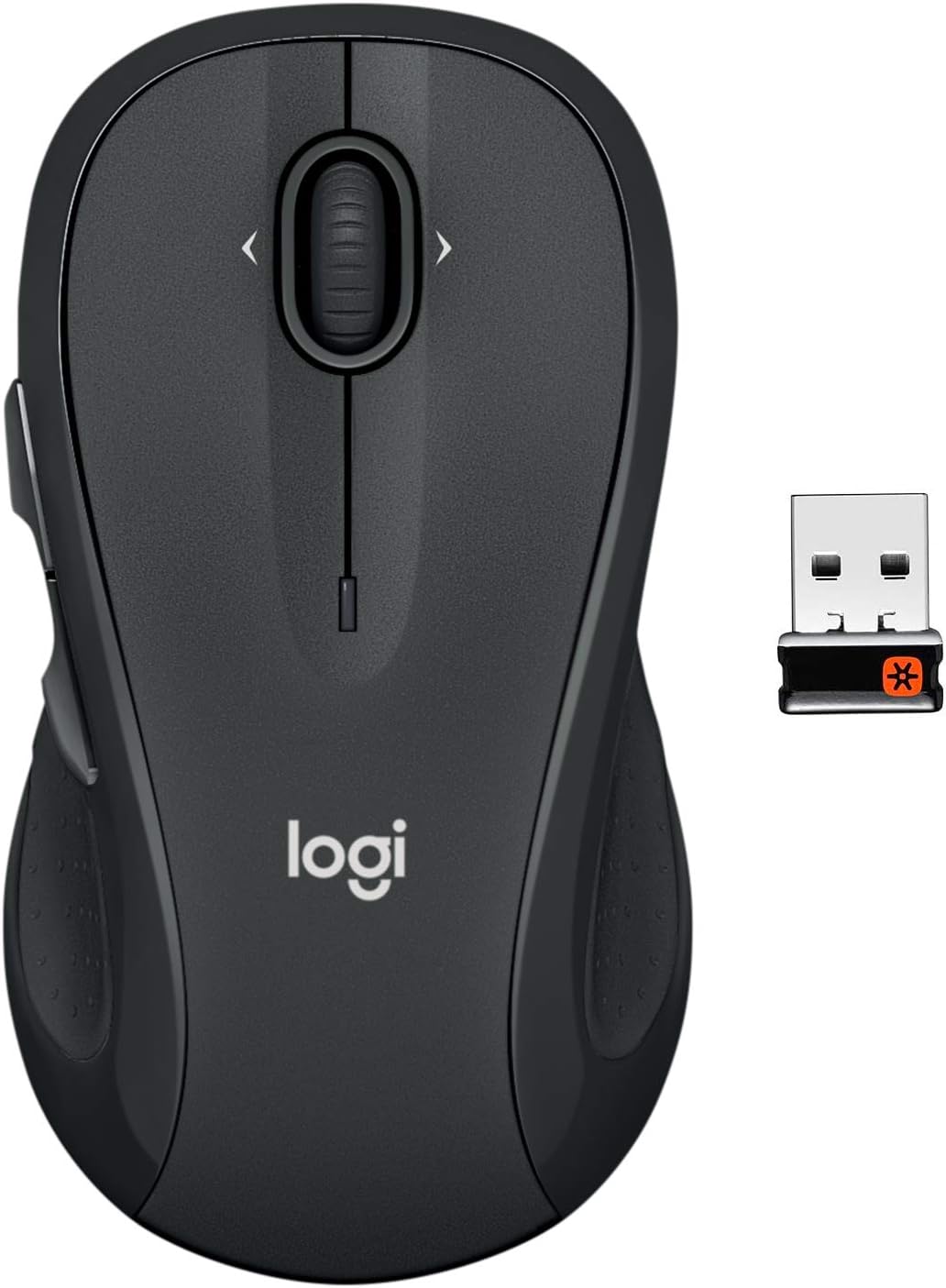
A full-size wireless mouse with back and forward buttons, sideways scrolling and long battery life for everyday office work. The contoured shape favors right hands despite the ambidextrous label.
A right-handed wired gaming mouse with many programmable buttons and a tilt scroll wheel for players who map lots of commands. Left-handed users and anyone wanting a wireless mouse should look elsewhere.
A comfortable right-handed mouse for anyone who hops between several computers, with long battery life. Left-handed users and anyone wanting a high-sensitivity sensor should look elsewhere.
A simple, travel ready wireless mouse with long battery life and a receiver that stores inside. It needs a USB-A port, and the multi-surface sensor is not assured on glass.
A small, light Bluetooth mouse for laptops and tablets that frees a port and lasts a year on one battery. It has no USB receiver, so it suits only Bluetooth-equipped devices.
A dependable basic wireless mouse for laptops, travel and shared family computers. It is a simple office mouse, so gamers and heavy users will want more buttons and adjustments.
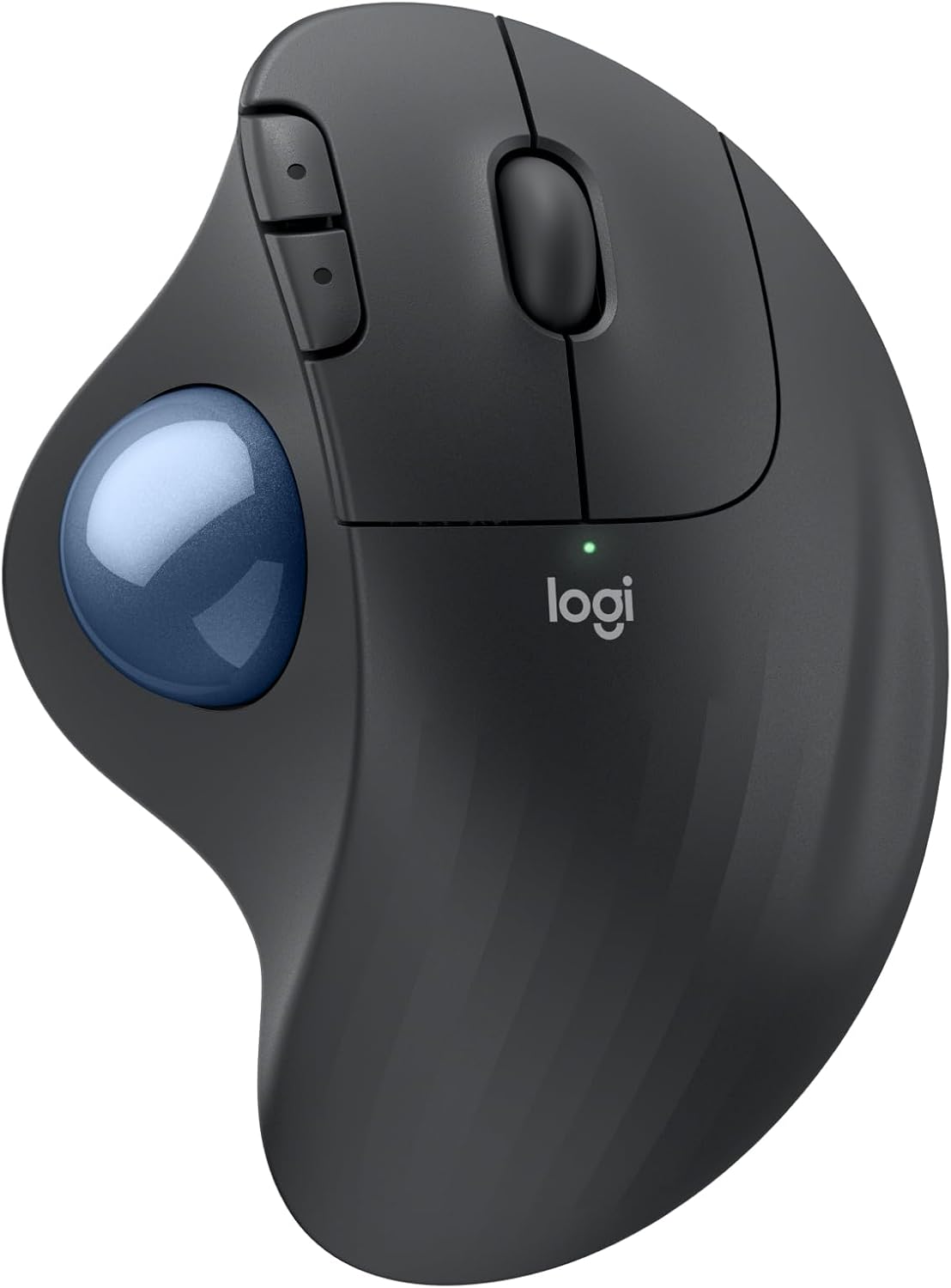
A vertical mouse for long desk days when wrist and forearm strain are the concern, with fast recharging and two ways to connect. It suits right hands only, and the upright grip changes how you click and drag.
A comfortable vertical mouse for right-handed users with smaller hands who move between computers. Large hands fall outside its listed fit, and remapping buttons needs Logitech software on Windows or macOS.
A quiet, pocketable Bluetooth mouse that pairs with almost any laptop or tablet and runs for a very long time on one battery. It has no USB receiver, so a computer without Bluetooth cannot use it.
A quiet, precise wireless mouse with a thumbwheel and gesture button that tracks on nearly any surface, glass included. It does not work with Logitech Unifying receivers, and the box contents beyond the mouse are not spelled out.
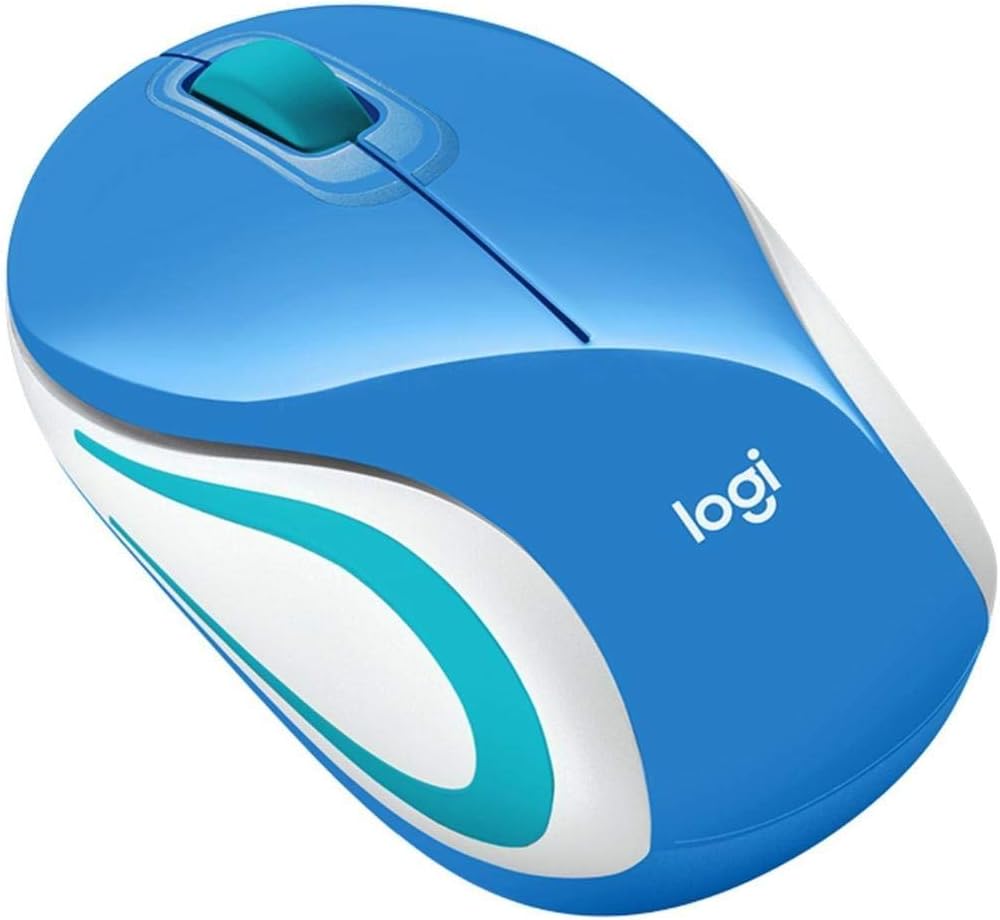
A cheerful, simple mouse for a home desk, kids or a laptop bag, with long battery life. It needs a free USB port for the receiver and offers no Bluetooth.
A light, quiet Bluetooth mouse for laptops in shared spaces, with switchable DPI and a built in rechargeable battery. It is shaped for the right hand only and needs a computer with Bluetooth since no receiver comes with it.
A rechargeable vertical mouse for small to medium right hands, with three-device switching and quiet clicks. Side buttons do not work on Mac, and buttons are not programmable.
A plain, ambidextrous wireless mouse for office work on a laptop or desktop. It offers basic features only, with no extra buttons or adjustable sensitivity listed.
A simple right handed wireless mouse with three DPI levels, side buttons and a battery saving sleep mode. Batteries are not included, and the side buttons do not work on Mac.
A slim, silent travel mouse with Bluetooth or receiver connection and long battery life on one AA cell. It has only two buttons and a wheel, so power users will miss extra controls.
A pocket-size wireless mouse for laptop users who want more control than a touchpad. Its very small body is cramped for long sessions with larger hands.
These 10 computer mice have the highest ProductDome scores among the established products in this category, meaning ones with a large volume of owner ratings and strong evidence; on a tie, the product with more rating evidence ranks first. The score combines owner satisfaction, rating volume, demand and data quality from public Amazon listings (updated 3 days ago). We do not test products ourselves.
Logitech, Microsoft, Lenovo, Dell, ProtoArc lead this category among the 13 brands that passed our curation checks.
How does ProductDome pick these computer mice?
A listing appears only when it has a recorded price, a minimum customer rating, and enough ratings or monthly sales. Generic and unbranded listings are left out, while every real brand stays, including brands sold only on Amazon. The ones that pass are ordered by the ProductDome score, which weighs owner satisfaction, rating volume, demand and data quality.
About computer mice
Conventional mice move across the desk to steer the pointer, while trackball designs stay in place and let you move the pointer by rolling a ball. That distinction matters if your working area leaves little room to sweep a mouse, but a trackball also asks your fingers or thumb to learn a different movement. Start by deciding how you want to control pointer travel during your usual work: broad movements across documents and screens, small adjustments for detailed selections, or a mixture of both.
For a mouse that moves across the desk, look for sensitivity adjustment that lets you set a comfortable relationship between hand movement and pointer travel. Among the 19 products that list mouse maximum sensitivity, most fall between 1,000 and 8,000 dpi, and 2,400 dpi is typical.. The maximum sensitivity filter cannot tell you whether a mouse will feel controllable at your preferred setting. Look for the available adjustment steps and whether changing them requires software, especially if you cannot install applications on a work computer. Your screen setup and operating system pointer settings also affect how movement feels. For a trackball, look for adjustable pointer response suited to both crossing the screen and selecting small targets.
Next, assess the shell against how you hold your hand: its length, height and thumb support affect whether your fingers can rest on the controls without stretching. For an upright design, examine the grip angle and button positions instead of assuming the shape will feel comfortable. The hand orientation filter needs a closer look at photographs, particularly for side buttons you intend to reach with your thumb. Button quantity alone says little about useful shortcuts; look for the specific button functions and whether they can be reassigned in your operating system. For wide spreadsheets, horizontal scrolling may matter more than extra buttons, so establish how the wheel or another control performs it.
Before buying, confirm the connection your computer supports and whether a wireless receiver is supplied or sold separately. A receiver may also require an adapter for your computer's ports. For wireless models, establish whether power comes from replaceable batteries or an internal rechargeable battery, what batteries or charging cable are included, and whether operation while charging is supported. For desk-tracking mice, verify support for your intended surface, especially glass. Finally, consult the cleaning instructions: trackball owners should establish how the ball comes out and how to remove debris from its supports.
How we list products: every listing here has a recorded price, a minimum customer rating and enough ratings or monthly sales. Generic and unbranded listings are left out; every real brand stays, including brands sold only on Amazon. Products are ordered by the same ProductDome score on every page.Editorial policy
Cookie settings
We use necessary cookies to keep the site working. Page views are counted without cookies. With your permission, we also use functional and marketing cookies. Cookie Policy.

 Best Overall