
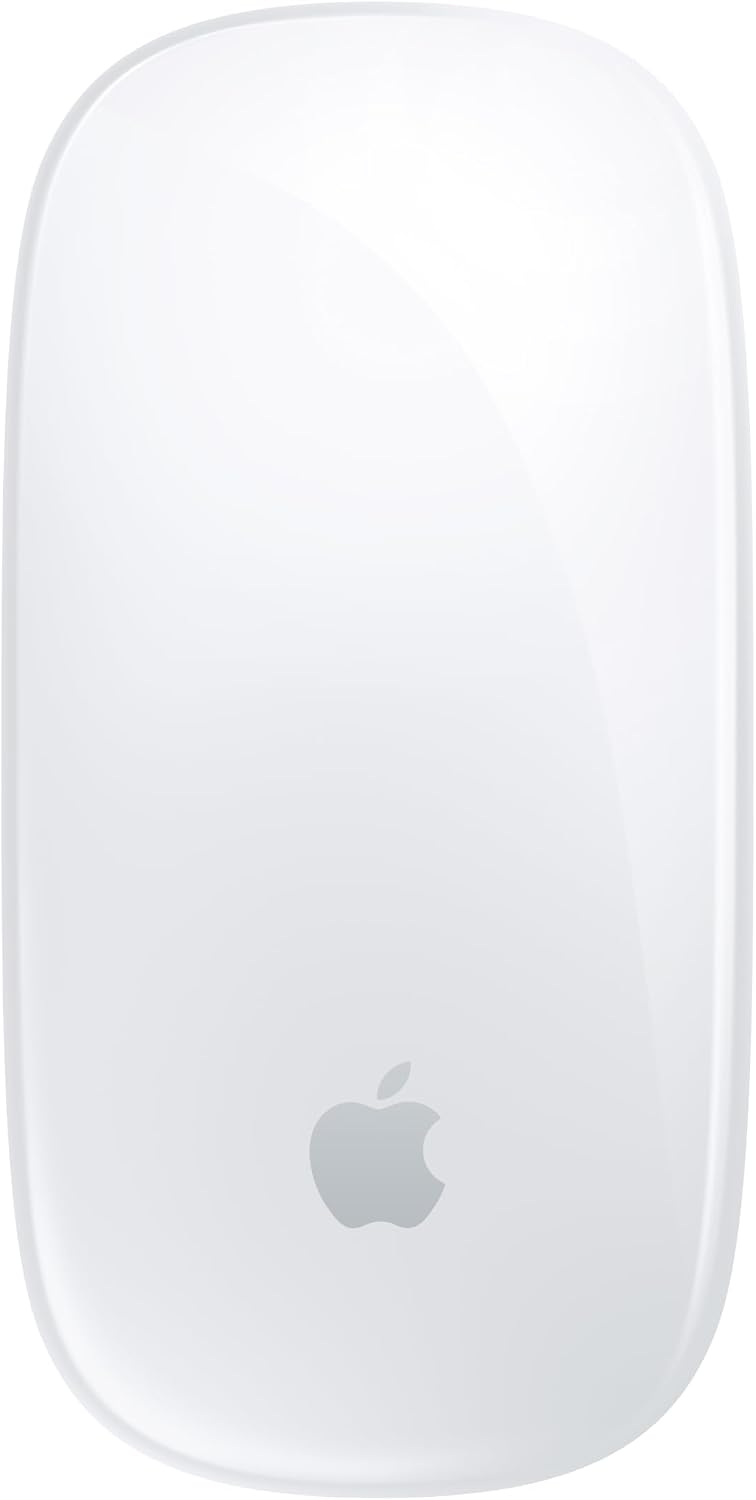
Apple Magic Mouse
- Multi-Touch surface for swipes and scrolling
- USB-C charging, woven cable included
- About a month or more per charge
- Wireless, pairs automatically with a Mac
- Built-in lithium ion battery, included
- Glide foot design on the underside
Updated 25 days ago · Based on the Amazon listing and published specifications, not hands-on testing.
A clean wireless mouse for Mac owners who like gestures on the top surface. The listing describes pairing and charging only with a Mac, so users of other systems get no stated support.
As an Amazon Associate I earn from qualifying purchases. ProductDome earns a commission when you buy through links on this page.
ASIN: B0DL72PK1PModel: MXK53AM/ACategory: Computer Mice
Colors Available
Need a different one? Pick on Amazon →
Overview
A Multi-Touch top surface reads finger swipes and scrolls on the Apple Magic Mouse, while a reworked foot design lets it glide across a desk. The rechargeable mouse pairs with a Mac on its own and charges through a woven USB-C cable.
Gestures on the surface let you swipe between web pages and scroll documents, and the long gap between charges means the cable rarely comes out. Apple only describes pairing with a Mac, and the listing gives no tracking or button details.
Who it's for
Mac users who browse, read long documents and switch pages often will use the gestures most. People who need programmable side buttons or support for other operating systems will find nothing in the listing for them.
Pros and cons
- Swipe and scroll gestures on the surface
- Pairs automatically with a Mac
- Charges and pairs over USB-C
- Long gap between charges
- Only Mac pairing described in the listing
- Tracking resolution and button count not listed
- Charging needs a USB-C port
Performance notes
Gesture accuracy comes from the touch layer across the top shell, which turns finger movement into scrolling and page swipes. Battery runtime depends on how many hours a day the mouse moves, and plugging it into a Mac both charges and pairs it. The foot design governs how it glides on the desk surface.
Specifications
| Brand | Apple |
|---|---|
| Model | MXK53AM/A |
| Dimensions & fit | |
| Item weight | 0.5 pounds |
| Item dimensions | 5.1 × 2.9 × 1.4 inches |
| Power & efficiency | |
| Battery | 1 lithium ion, included |
| Battery life | About a month or more per charge |
| Compatibility & installation | |
| Connectivity | Wireless, rechargeable |
| Compatible devices | Mac |
| Included components | |
| Included components | Magic Mouse, Woven USB C Charge Cable |
| Other details | |
| Input surface | Multi-Touch |
Frequently asked questions
How big is the Apple Magic Mouse?
Apple lists it at 5.12 x 2.91 x 1.42 inches with a listed weight of 8 ounces. Compare those numbers to your current mouse before buying.
Does the Magic Mouse need to be paired manually?
No. It pairs automatically with a Mac out of the box, and connecting the included USB-C cable to the Mac pairs and charges it.
What gestures does the Apple Magic Mouse support?
The listing names simple gestures such as swiping between web pages and scrolling through documents on the Multi-Touch surface. It does not list a full gesture set.